Your Mac, set up before you sit down.
Charya learns what you open for each class and task, and has it ready when it's time. When something comes up mid-work, say it, and it's done.
Free·macOS 14 or later·Apple silicon and Intel
 Notes


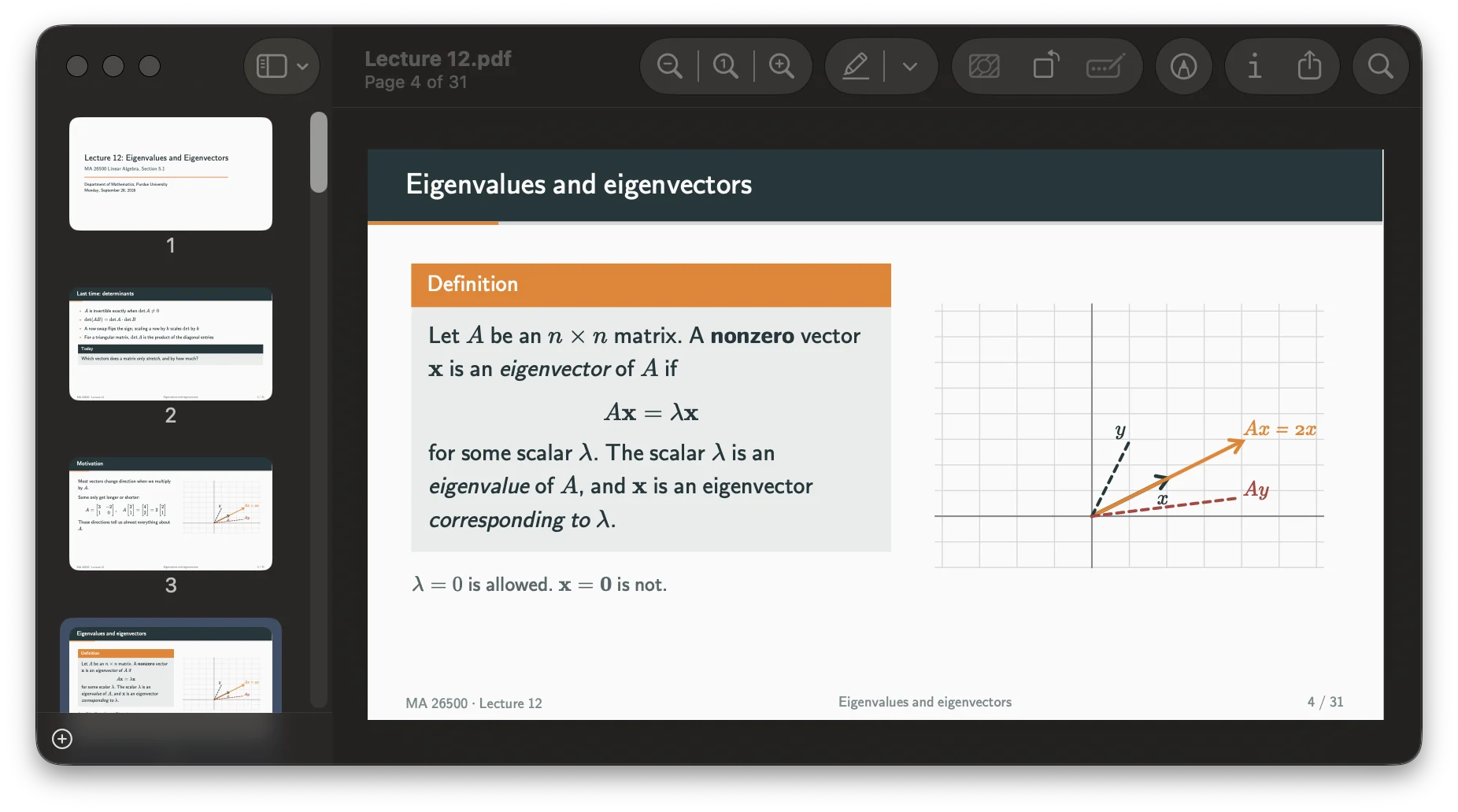
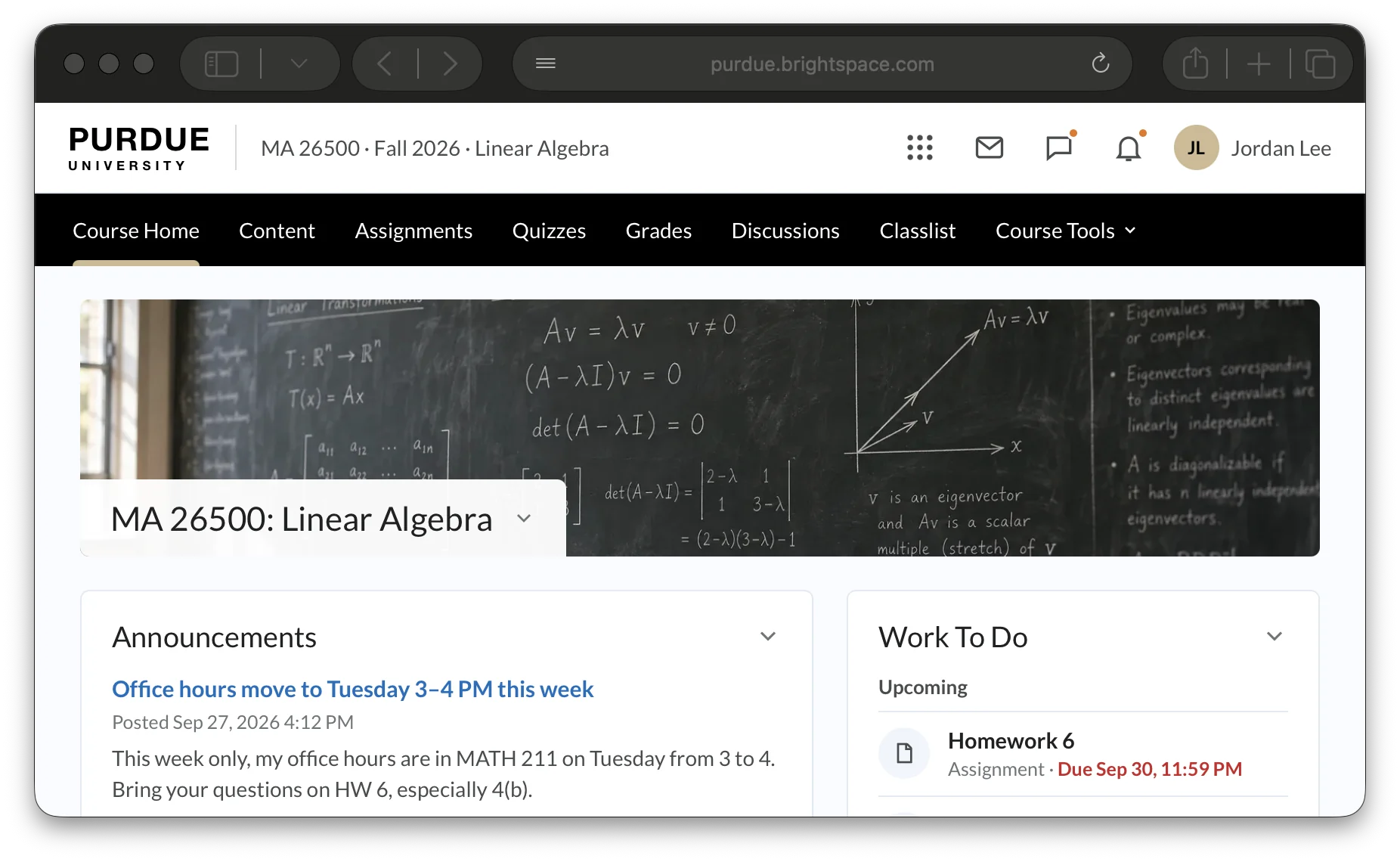
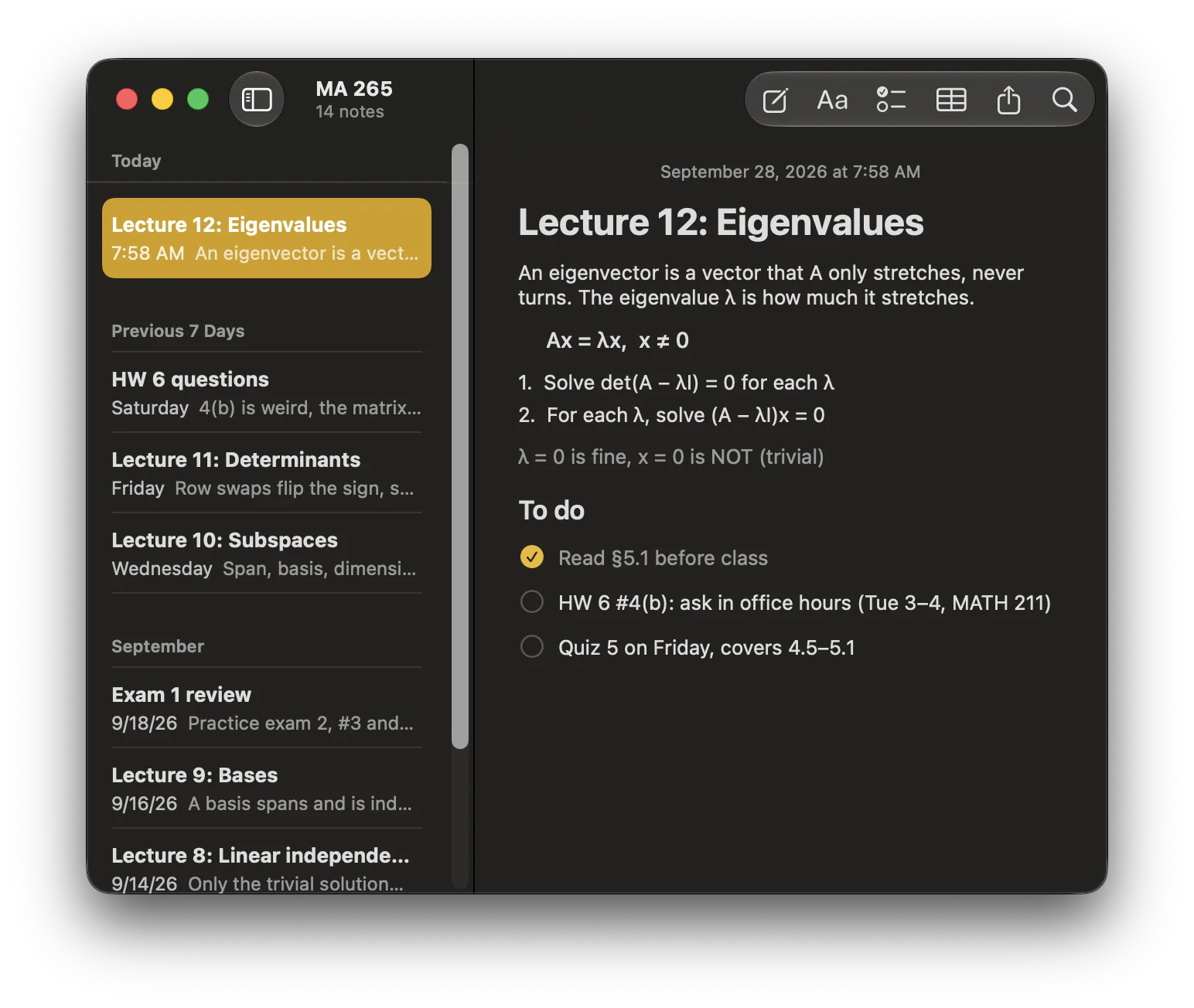



 Set up for MA 265 Lecture nowOpened Lecture 12.pdf, your class notes and the course page. Muted your Mac.
Undo
Every class has its things. The slides, your notes, the course page, the right windows in the right places. Charya learns them once, and has them open before you sit down.
Works in the apps you already use
 Calendar
Reminders
 Notes
 Messages
 Mail
 Your browser
 Your files
 Spotify
 Finder
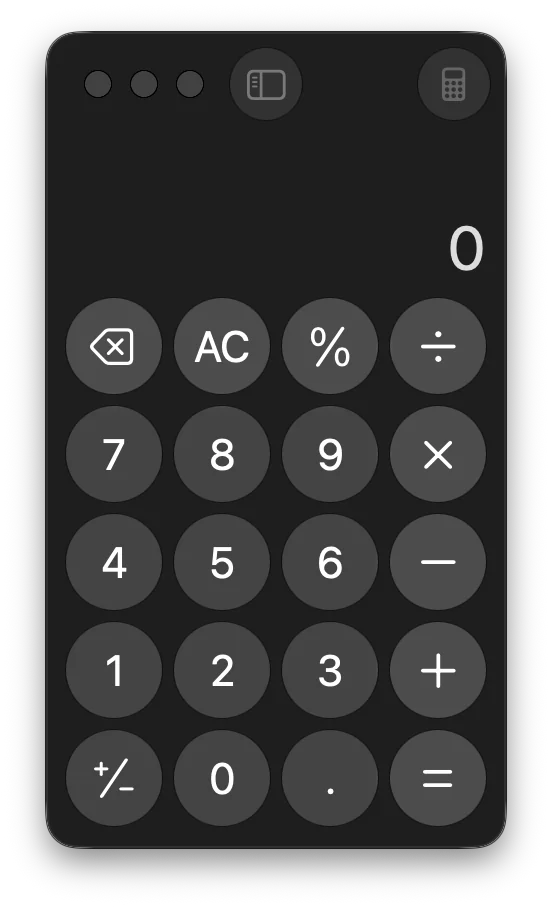
 Calculator
Routines
Everything for the class, open before it starts.
Show Charya what you open for a class once, or let it notice. From then on it's waiting when you open your Mac.
- Learns from what you already doYour calendar, the apps, files and pages you open, where you are and what's plugged in. No rules to write.
- Asks until it's sureAfter three yeses in a row, it sets that routine up by itself.
- Packs up afterwardsWhen class ends, it offers to close what it opened and give your sound back.
- Undo, every timeOne click puts things back. Then tell it whether it was just today or the routine is wrong.
MA 265 LectureMon, Wed, Fri at 8:00 AM · Lilly Hall
By itself
Chem studyWeeknights around 7:00 PM · Library
By itself
Weekly planningSundays around 6:00 PM
Asks first
PHYS 172 LabThursdays at 2:30 PM
2 of 3 yeses
Errands
Hold a key. Say it. It's done.
A reminder, an event, a note, a message. Say it without leaving what you're doing, and Charya does it in your own apps before you've looked back.
Press and hold the key to try it, or pick one:
- Your cursor never movesHold Right ⌘, talk, let go. It's done in a fraction of a second, without leaving your work.
- Messages wait for youA text or an email is shown first, and only sent when you press Send.
- Nothing you say is lostEverything is kept, with Undo. What Charya can't place waits in an inbox for you to sort.
Lock in
Everything else steps aside.
- Say “lock in”Or pick a routine. Only its apps and pages can come to the front.
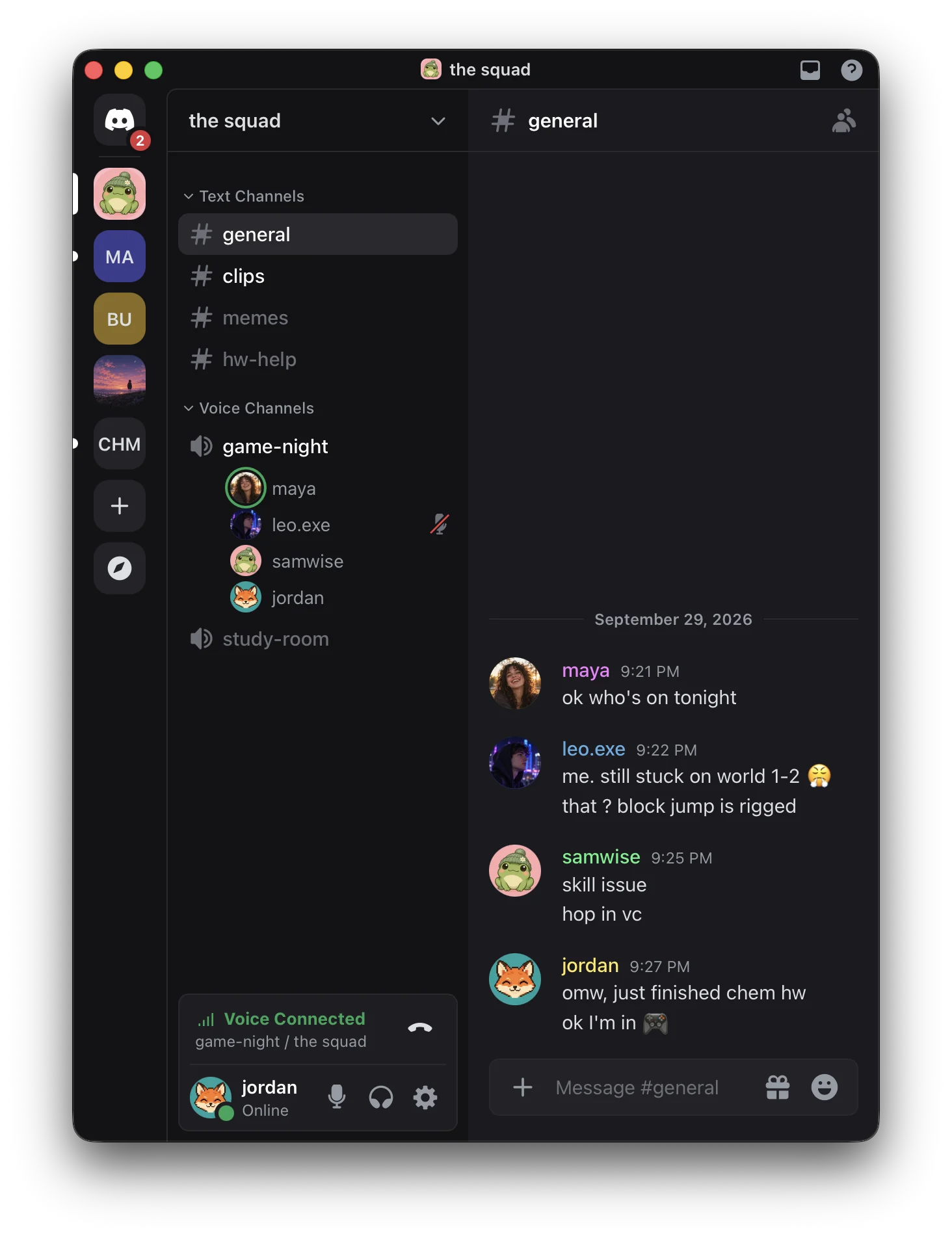
- Hidden, never quitDiscord and everything else wait out of sight, right where you left them.
- Only you can end itTake a 5 to 60 minute break, or say you're done. An agent can lock you in, but it can't let you out.
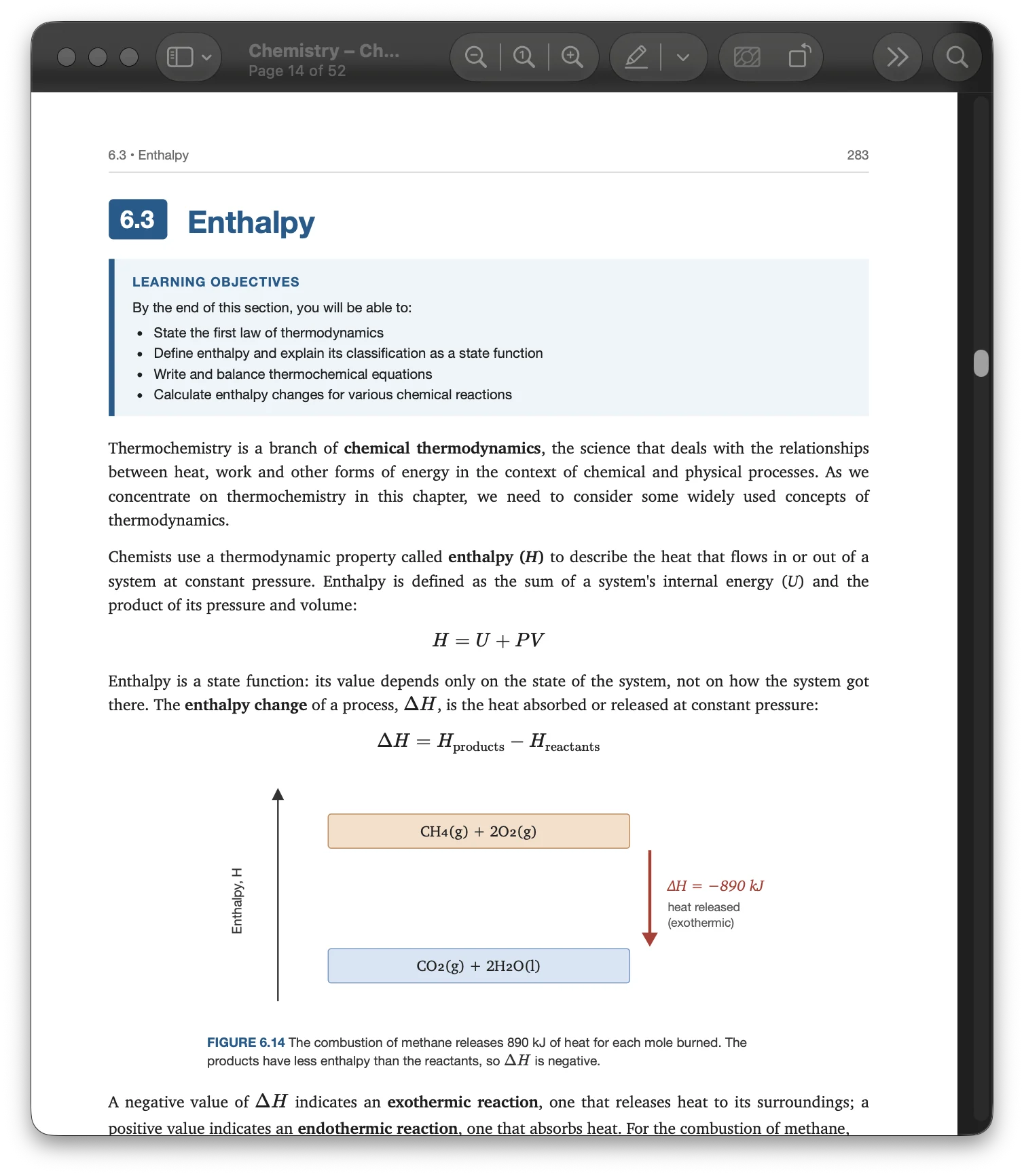
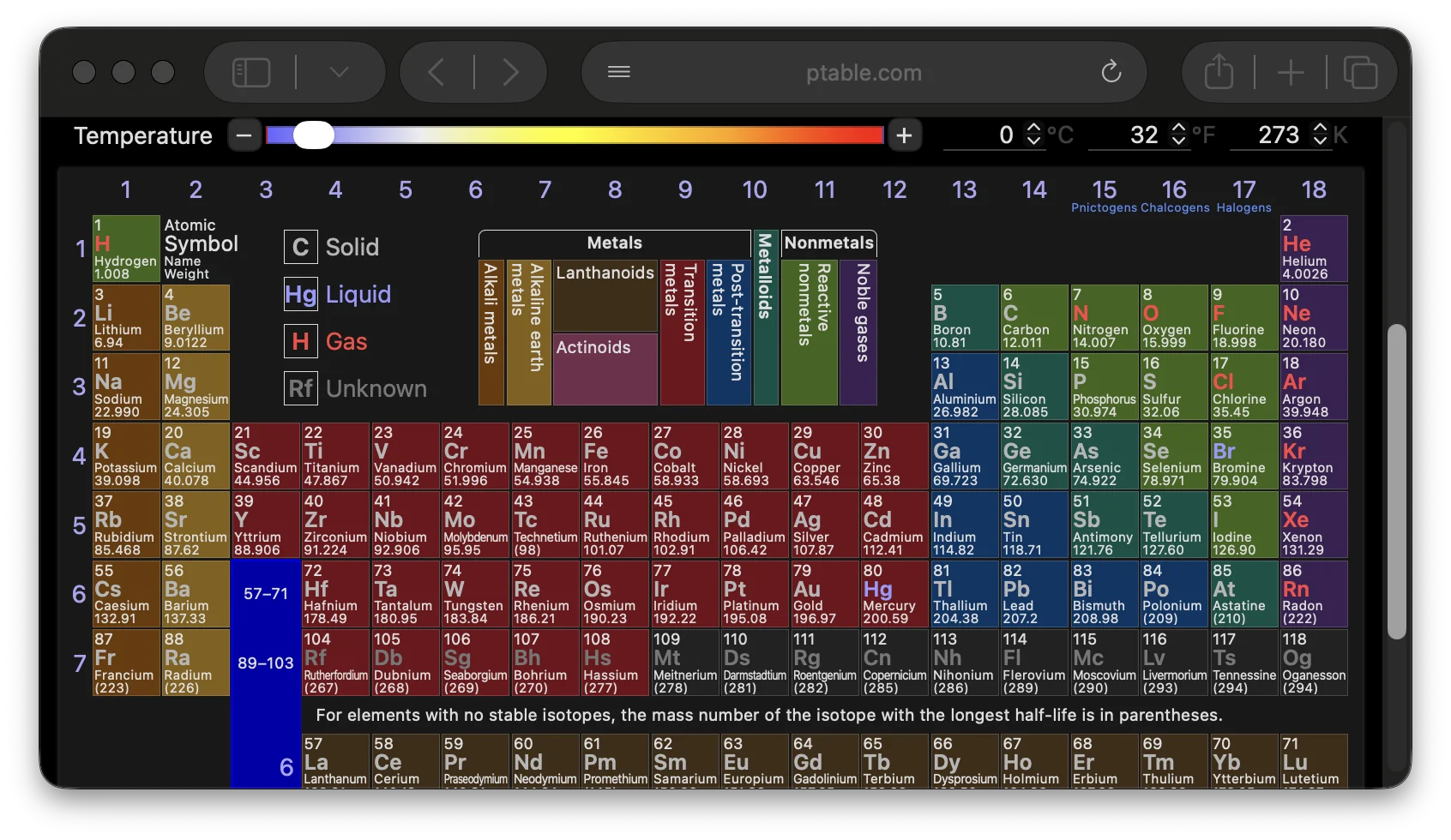
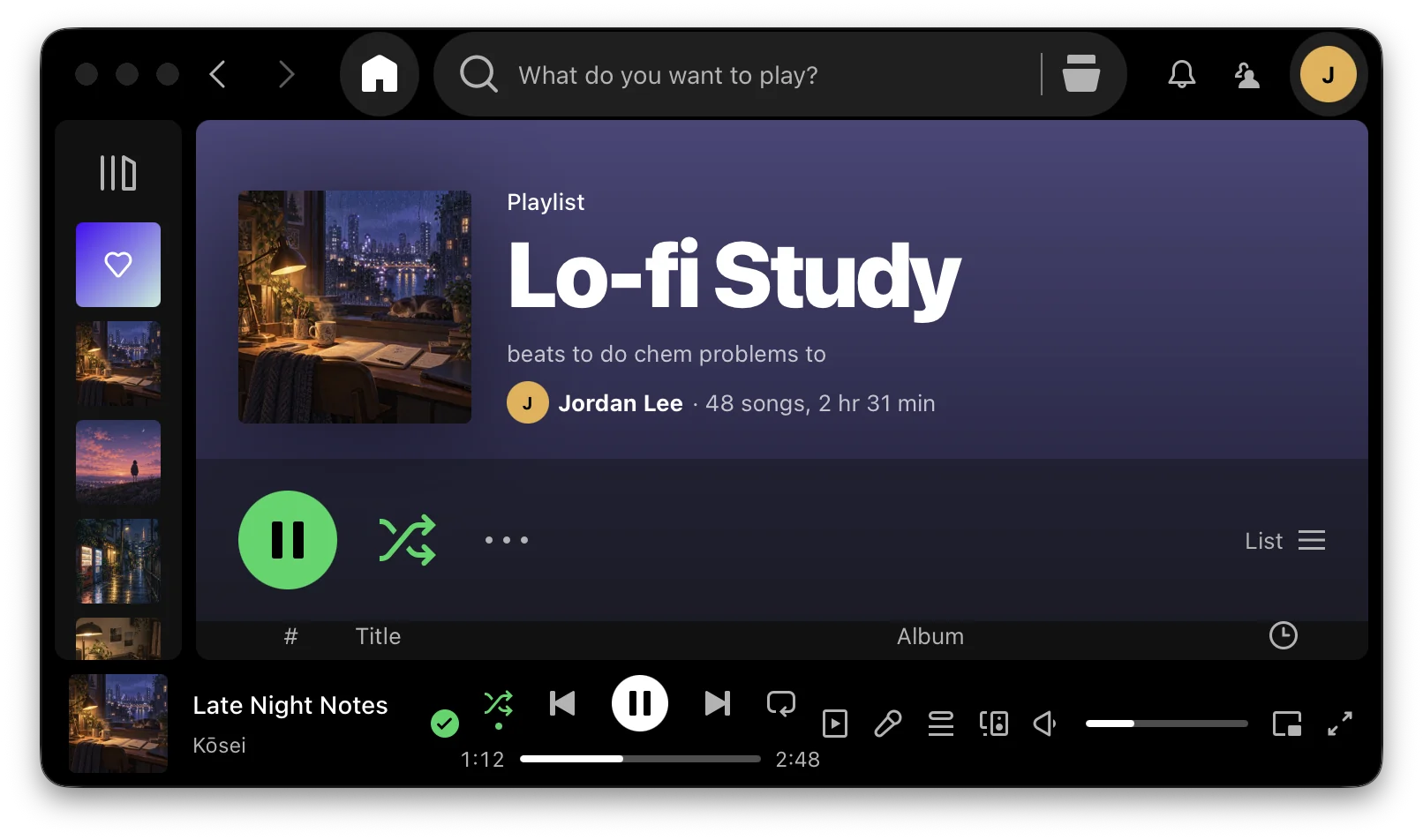

Packing up
When class ends, it packs up.
It offers to close what it opened and give your sound back. Apps with unsaved work ask first, and one click puts it all back.
Agents
Works with the agents you already use.
Turn on Agents in Settings, and Claude Code, Codex or any MCP client can use Charya: see your routines and calendar, set things up, run errands and lock you in.
- One click to connectCharya adds itself to Claude Code and Codex, and shows the command for any other MCP client.
- You see everything they doAn agent's errands and setups appear on your screen with its name and an Undo.
- They can't do more than you allowMessages still wait for Send. An agent can lock you in, but only you can end it.
~ $ charya upcoming
Tomorrow
  8:00 AM  MA 265 Lecture   sets up by itself
  2:30 PM  PHYS 172 Lab     asks first
  7:00 PM  Chem study       sets up by itself

~ $ charya errand "remind me to submit the lab report at 5"
✓ Reminder · Submit the lab report · Tomorrow, 5:00 PM

~ $ charya lockin "Xcode and developer.apple.com"
✓ Locked in. Tell Puff when you're done.

~ $ claude mcp add --scope user charya -- charya mcp
Your time
See where the day actually went.
By class, app and site, honestly. And how much setting up Charya did for you.
Setting up Charya did for you this week14 minAnd more
The details that make it dependable.
Ask about your screen
Stuck on a slide or a problem? Ask Puff, Charya's assistant, through your own ChatGPT account. It looks only when you ask.
Cues you choose
Set a routine up at a time, on joining a Wi‑Fi network, plugging in a display or opening an app. Or say its name.
Pick up where you left off
Reopen last week's lab report and the pages that go with it, along with the class's usual things.
Out of the way, not closed
Apps Charya puts away keep running, just out of sight. Anything with unsaved work asks before it closes.
Undo for everything
Every setup and every errand can be taken back in one click, from the card or from the Errands page.
Keeps itself current
Updates install themselves, and each one tells you in a sentence what's better.
Privacy
Learns on your Mac. Shares only what you let it.
What Charya learns about your routine is kept on your Mac. Anything it shares is anonymous, said plainly, and off with one switch.
Read the privacy policy- Learning happens on your MacYour routines, activity and calendar stay in a database only your account can read.
- Never records what you typeIt watches the keyboard only for the talk key.
- Never reads your email or messagesAnd it skips private browser windows.
- Looks at your screen only when you askOne picture when you ask Puff something or say “add this”.
- Anonymous sharing, your choiceNo names, titles, files or places. Turn it off in Settings at any time.
Getting started
Two minutes to set up. Then it gets out of your way.
Download and sign in
Open the download and sign in with Google. Pick Apple Calendar or Google Calendar, or neither.
Show it a class
Open what you use for one class. Charya watches, puts it all away, then sets it back up to show you.
It takes it from there
Your classes are ready as you sit down, and it learns the rest as you go.
Questions
Questions, answered.
What does Charya cost?
Nothing. Charya is free. Talking to Puff uses the ChatGPT account you already have, through Codex, so there's no subscription or API key to set up.
Which Macs does it run on?
Any Mac with macOS 14 Sonoma or later, Apple silicon or Intel.
Do I need Google Calendar?
No. Charya works with Apple Calendar or Google Calendar, and reads it to know when things start. It only adds or changes an event when you ask it to. With no calendar at all, show it something you do often, like homework at 9.
Will it close my work?
No. Apps it puts away are hidden, not quit, and anything with unsaved work asks first. Every setup and errand has Undo.
Is it only for students?
It started with classes, but anything that recurs works the same way: a standup, a weekly review, an evening of writing. If it's on your calendar or you do it at the same time, Charya can learn it.

Tomorrow
Tomorrow morning, it's ready.
Download Charya, show it one class, and let it have things ready next time.
Free·macOS 14 or later